
1.1 KiB
Orderbook
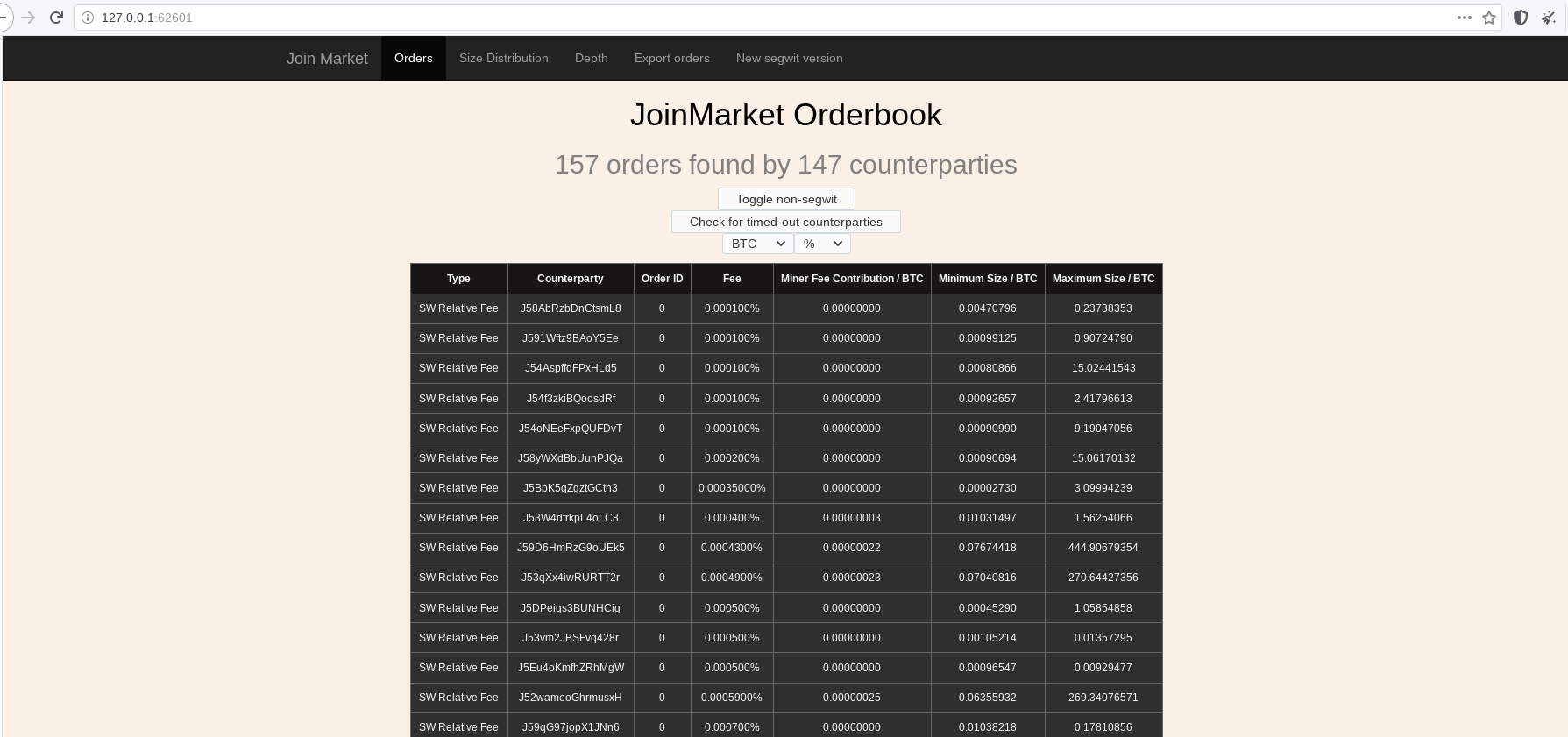
To setup your own local orderbook, the only thing you need is an install of Joinmarket (you don't need Bitcoin Core for that);
follow either the Quick Install on the readme (./install.sh) (RECOMMENDED), or one of the manual installation as per here.
Configuration
To run the orderbook without access to Bitcoin Core, edit the joinmarket.cfg file in your Joinmarket data directory as per below
(NOTE: if you don't have a data directory, it will be created the first time you run the script).
[BLOCKCHAIN]
blockchain_source = no-blockchain
Comments are omitted; do read them.
You may also want to check the [MESSAGING:server] options, e.g., if you want to use IRC Tor onion services you can edit the relevant parts.
Start
Launch the ob-watcher.py script from scripts/obwatch as any other Joinmarket script.
(jmvenv)$ python ob-watcher.py
Add -p PORT to use a custom port (default is equivalent to -p 62601).
Then open the link to the just created local server in your favorite browser.